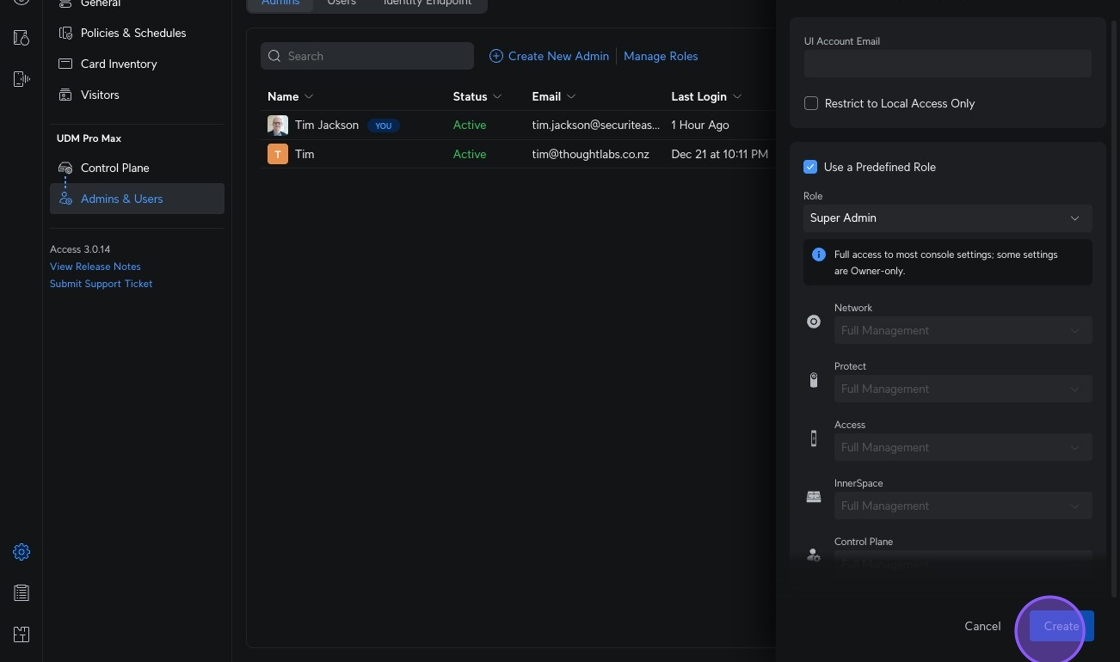
P2: Add / Remove Admin
Add New Admin
1. Navigate to https://unifi.ui.com/consoles/28704E88522100000000085022E70000000008C1381B0000000066E2AD6B:1976541002/access/settings/system/security
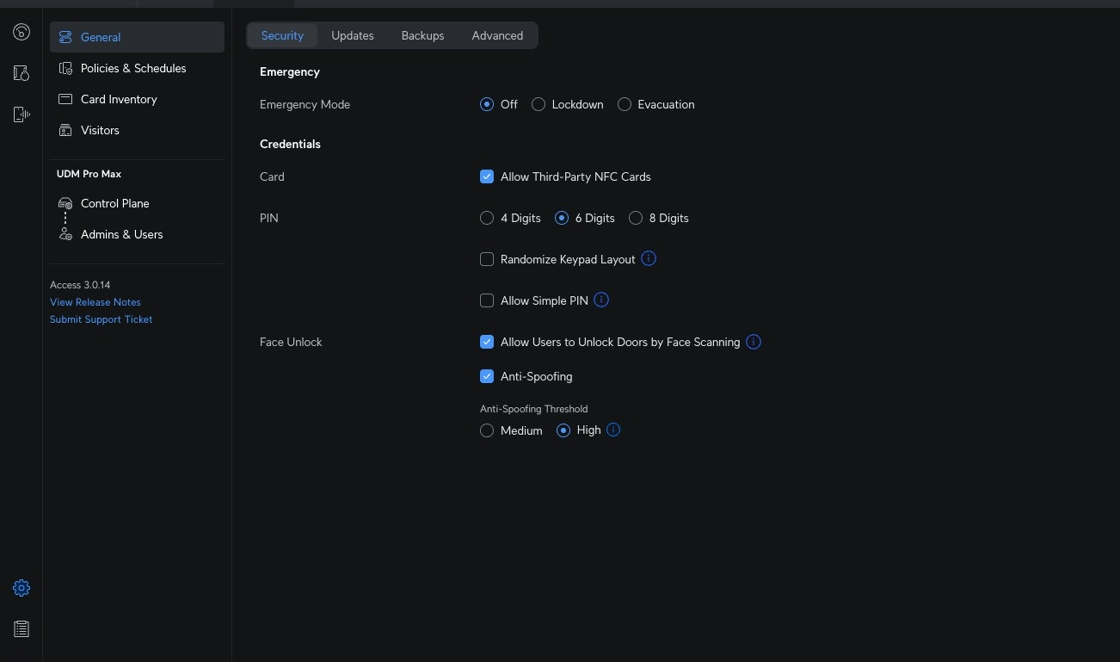
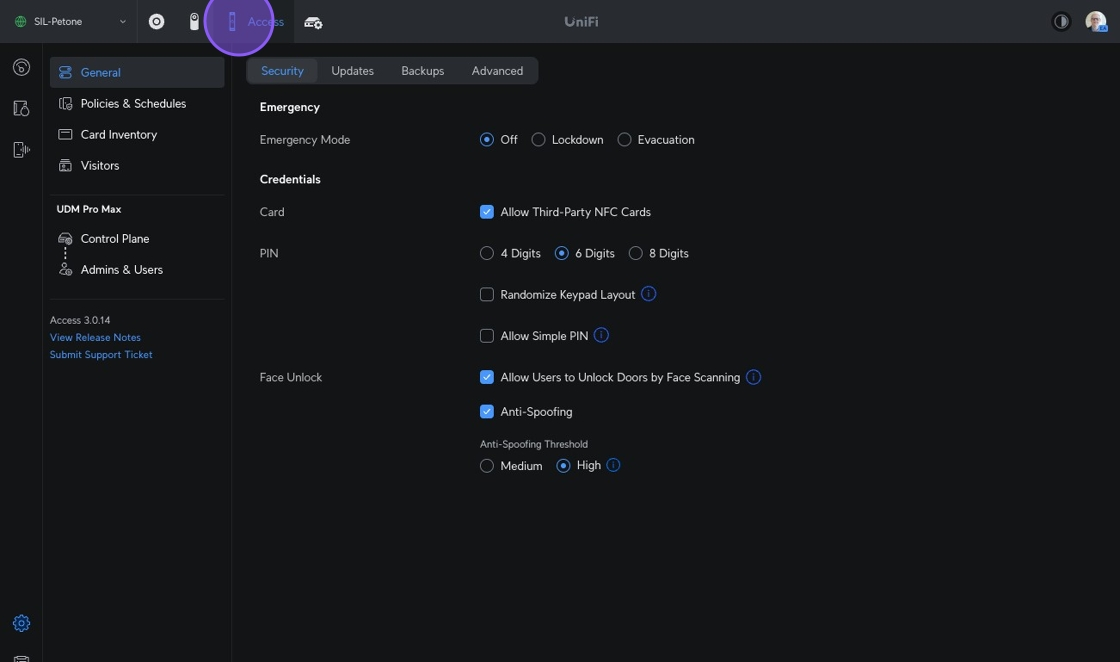
2. Click this icon.
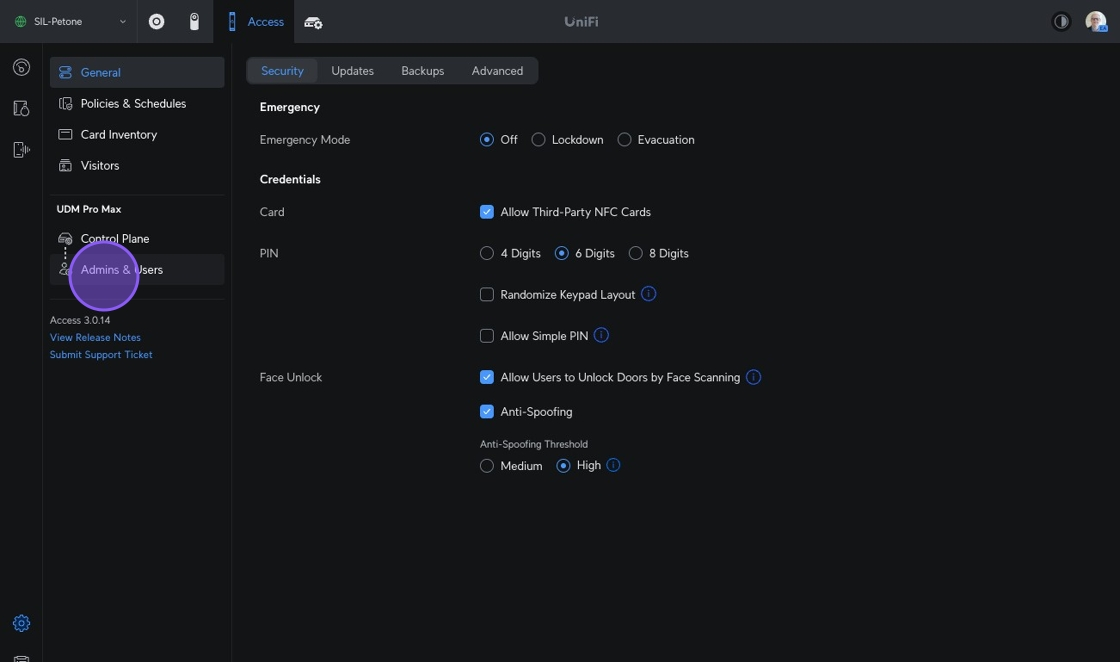
3. Click "Admins & Users"
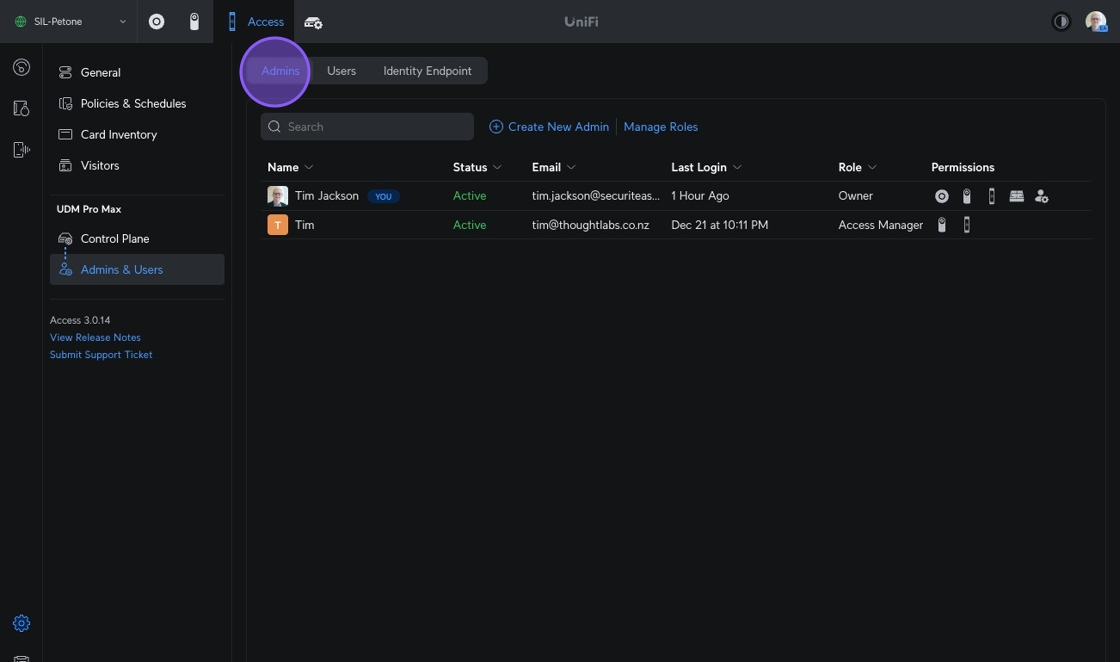
4. Click "Admins"
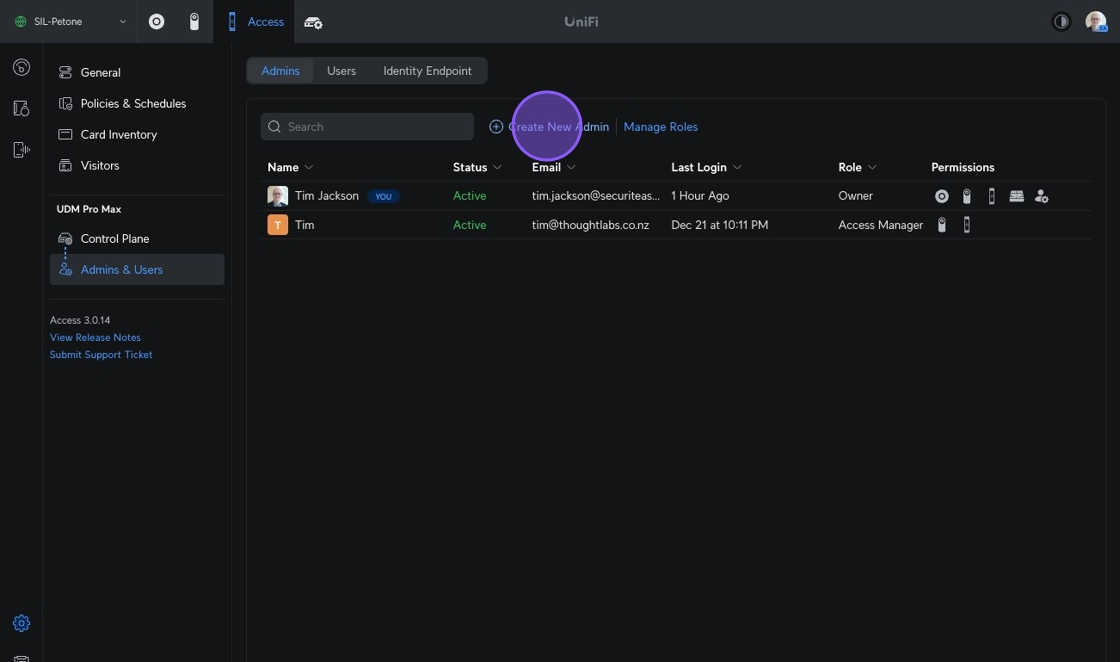
5. Click "Create New Admin"
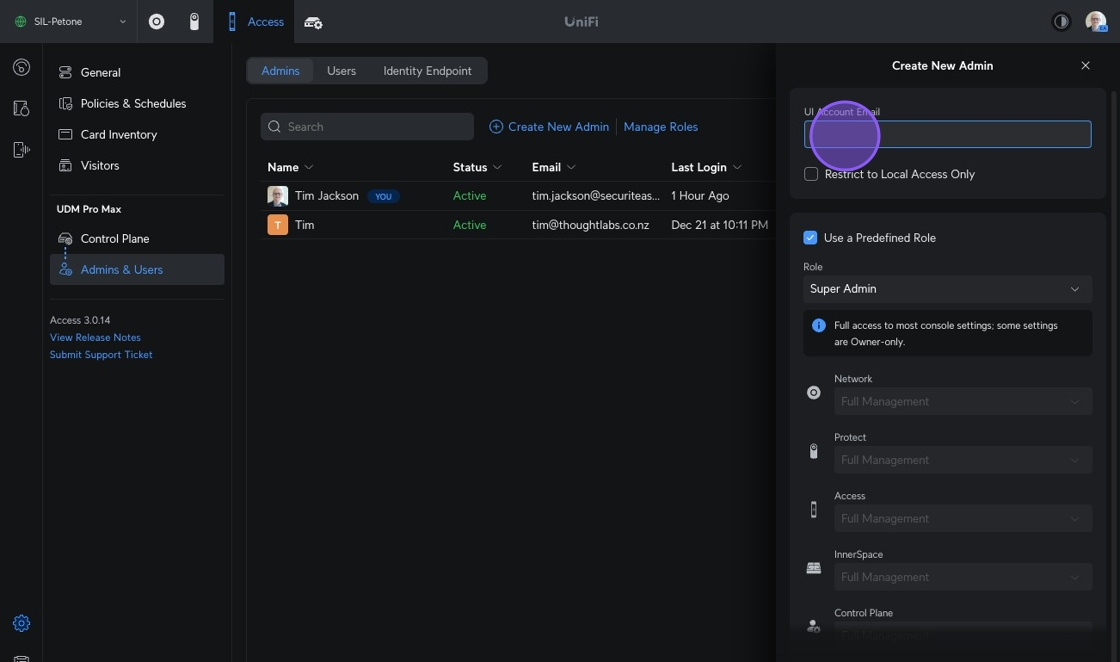
6. Provide a UI Account Email for the Admin
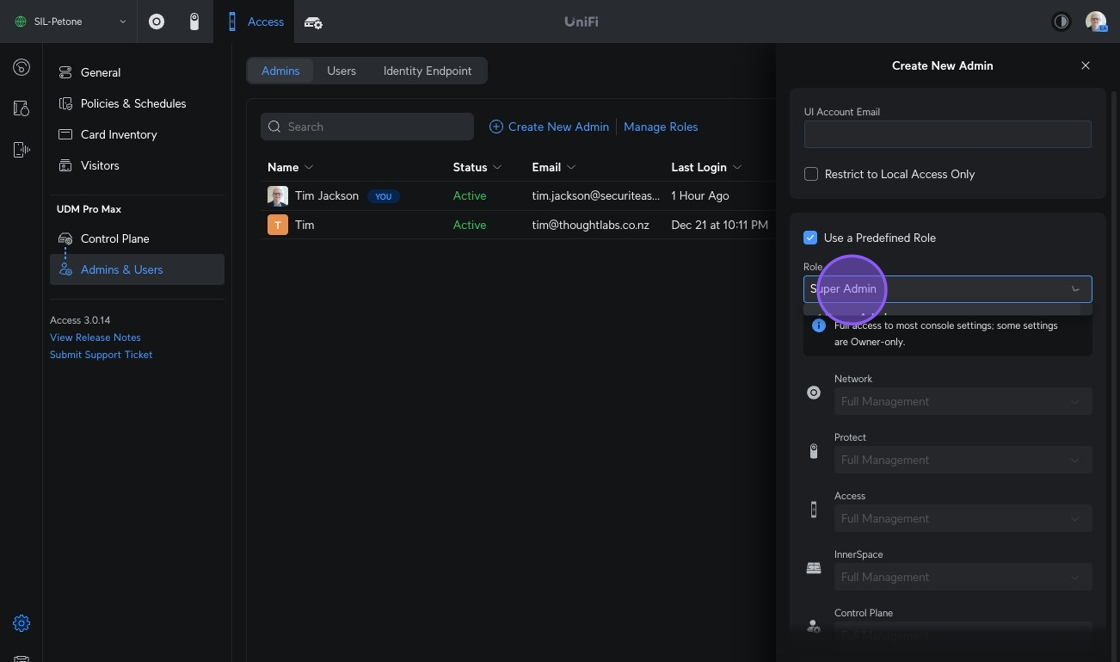
7. Click "Super Admin"
9. Click Create